Included for every client
See exactly what your marketing is doing
Bridge is our client portal. Sign in from your phone or computer and see how people found you, what they did and what changed, explained in plain English and updated every day.
The whole picture at the top
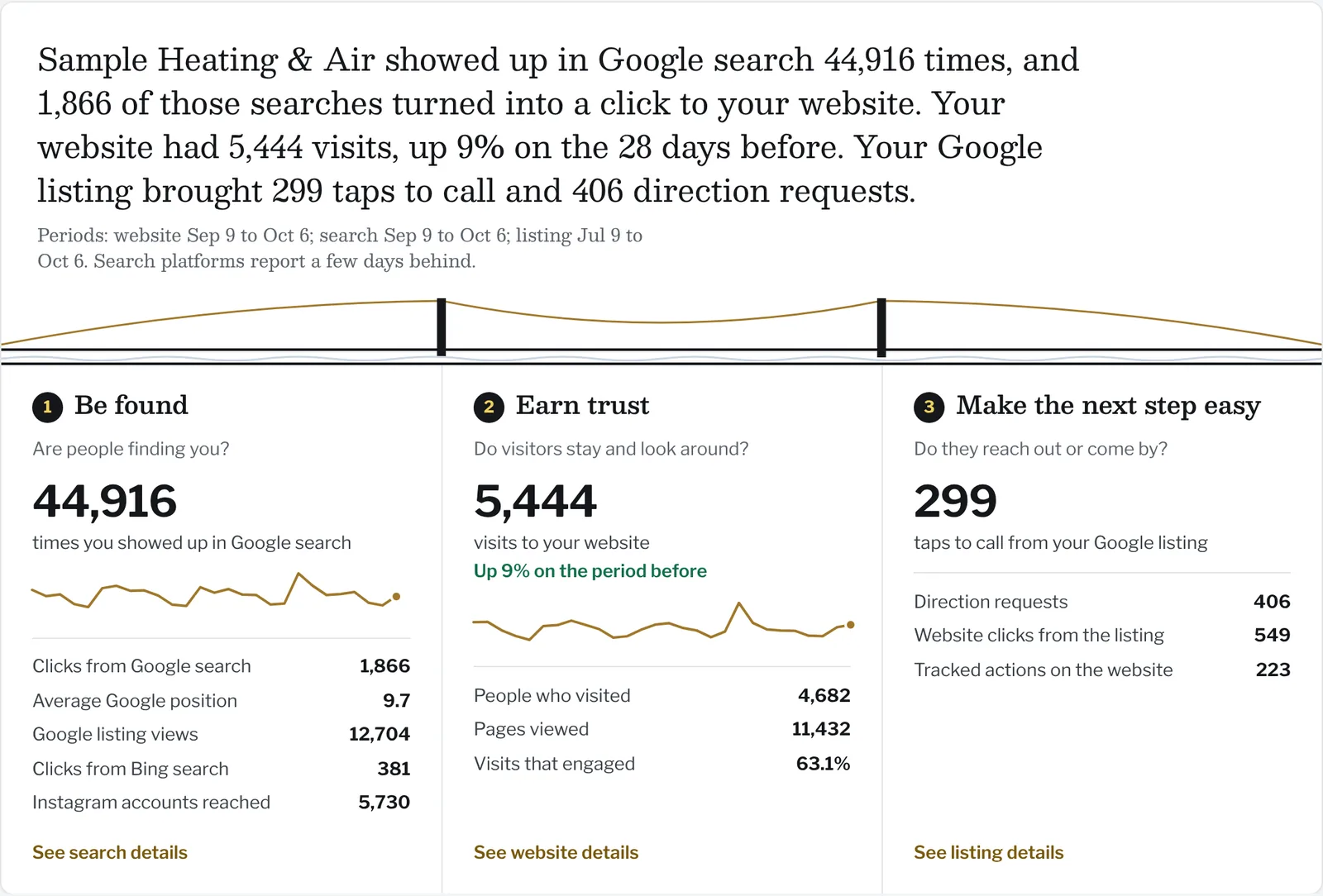
The first thing you see is a short summary in sentences, then the three steps every customer takes: being found, earning trust and getting in touch. Each step shows your own numbers.
- Google search appearances, clicks and position
- Google listing views, calls and direction requests
- Website visits, where they came from and what people did
- Facebook and Instagram reach and interactions
- Bing search, for the customers who use it
Charts that tell the truth
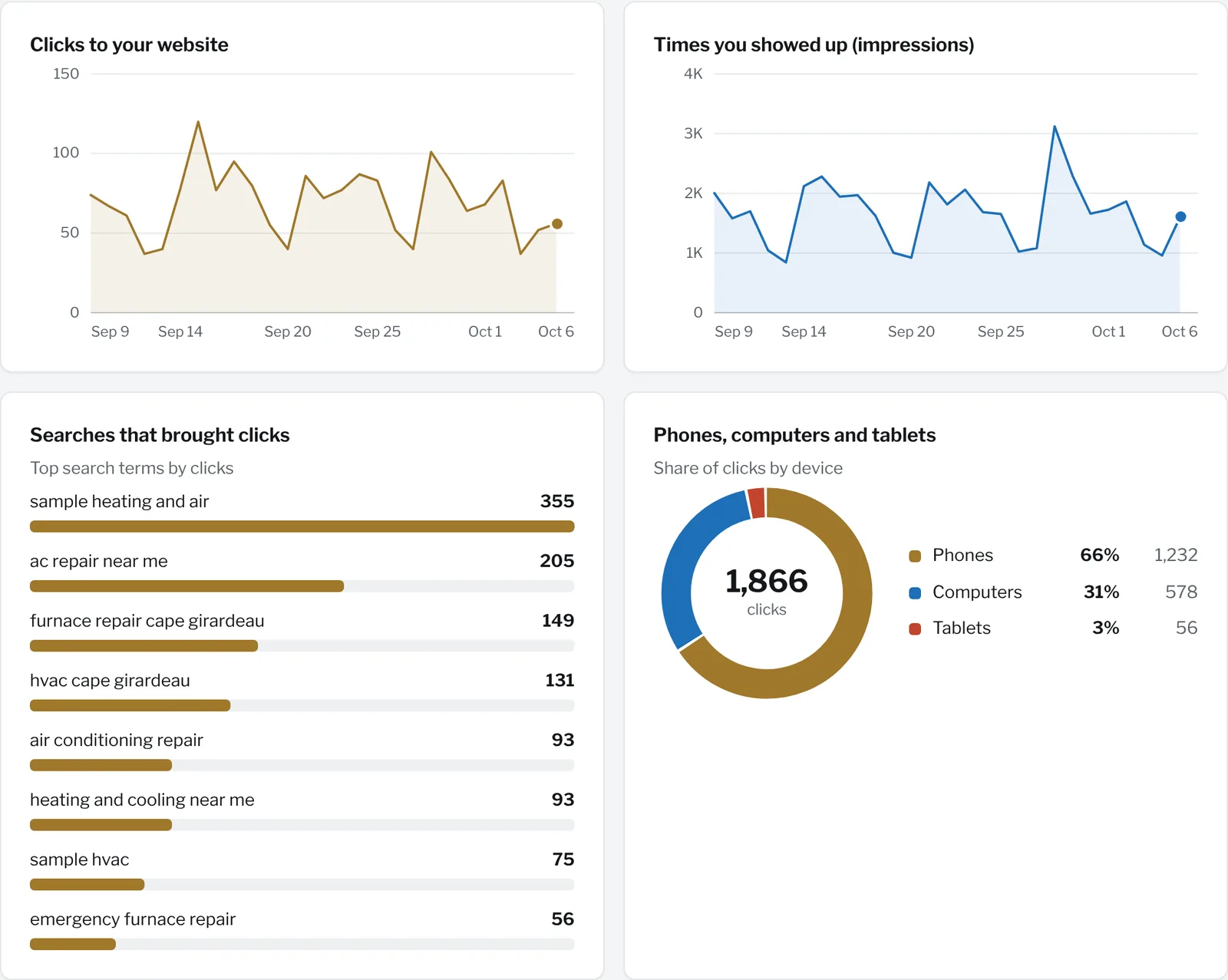
Every chart has the exact numbers behind it, one tap away. If a platform hasn't reported a day yet, Bridge shows a gap, not a zero, and it never compares two periods unless both are complete.
We built Bridge this way because the most common problem with marketing reports is that they look busy and mean little. Ours are meant to be read by an owner in a couple of minutes.
Approve posts from your phone
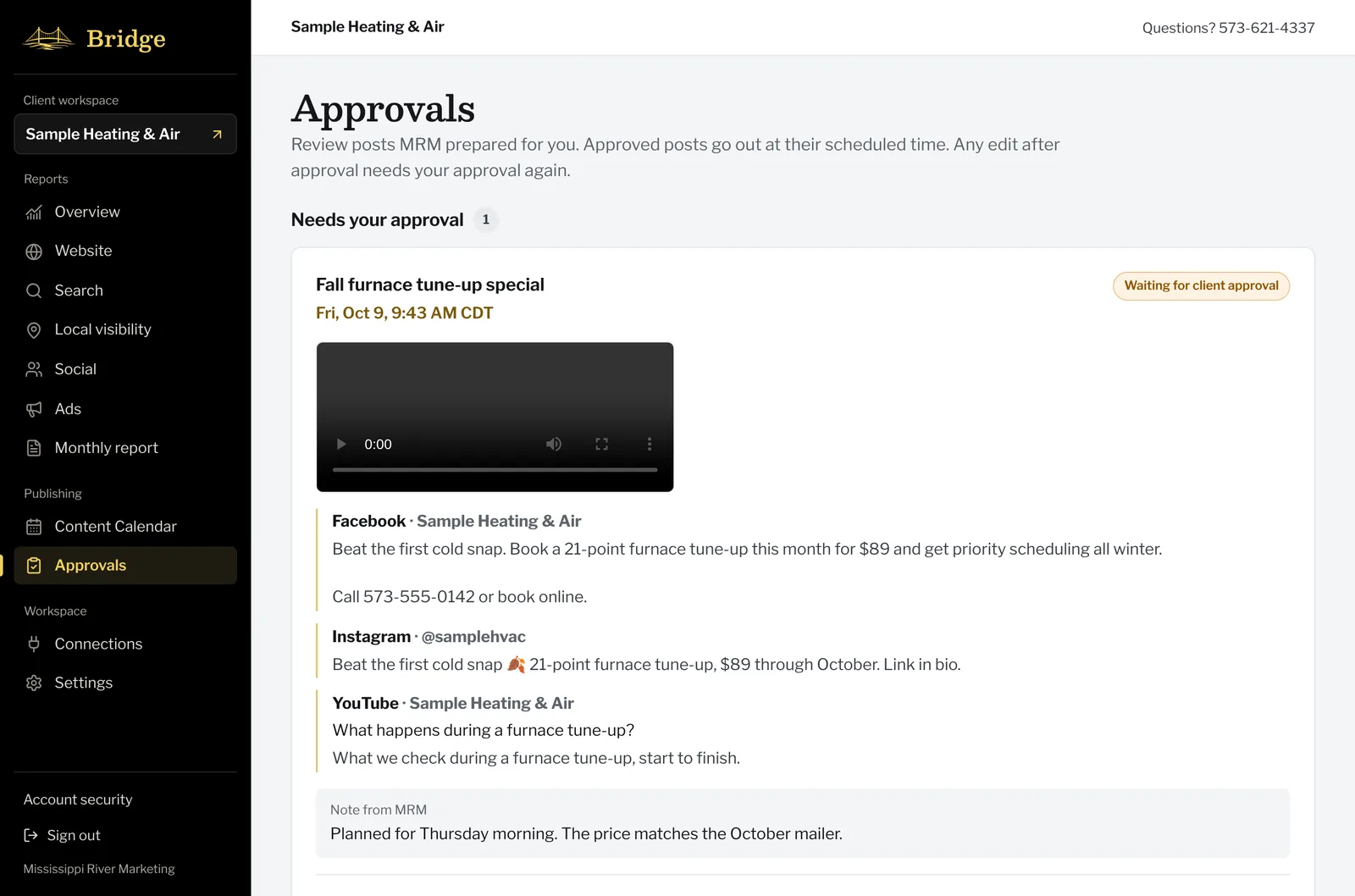
When we prepare a post, a video or a Google listing update, you get an email. Open it, watch the video, edit the caption or time, and approve or ask for changes. Nothing goes out until you say so.
Your accounts, your data
You connect each platform yourself, on that platform's own screen, and you can disconnect it at any time. Bridge stores the access each platform issues in encrypted form and never sees your passwords. Data from your accounts is used only to show you your reports and to carry out actions you confirm. It's never sold, never used for advertising, never used to train AI, and no client can see another client's data. The privacy policy lists every connection, every permission and how long anything is kept.
Questions about Bridge
Who can use Bridge?
Every Mississippi River Marketing client gets a Bridge workspace for their business, and can invite the people on their team who should see it.
Do I have to give you my passwords?
No. You connect each account on Google's, Meta's, TikTok's or Microsoft's own sign-in screen and approve what Bridge may read. We never see your passwords, and you can disconnect any account at any time.
Can Bridge post without my OK?
No. Posts and Google listing changes are only sent after someone in your business approves them, and you're emailed whenever a change is made to your Google listing.
What happens to my data?
It's used only to show you your reports and carry out actions you confirm. It's never sold, never used for advertising and never used to train AI. Google Business Profile report copies are deleted after 30 days. Our privacy policy lists every platform and permission.
Want to see your own numbers like this?
Book a free visibility check. We'll look at how people find you, what they see and how easy it is to call, then tell you what we'd fix first.